 RFDesk
From a request to a session
A team can switch on a public help page with its own link. A user opens it, writes their name and what is wrong, and joins the queue. No account is needed. The page shows their place in the queue and a ticket code, and updates by itself.
Technicians see waiting requests under Support queue. One presses Claim, then Connect, and the connect page opens with the user's RFDesk ID filled in. The user is asked on their own screen and has to allow it. When the work is done, the technician closes the request with a note that only the team sees.
The first five minutes of a ticket
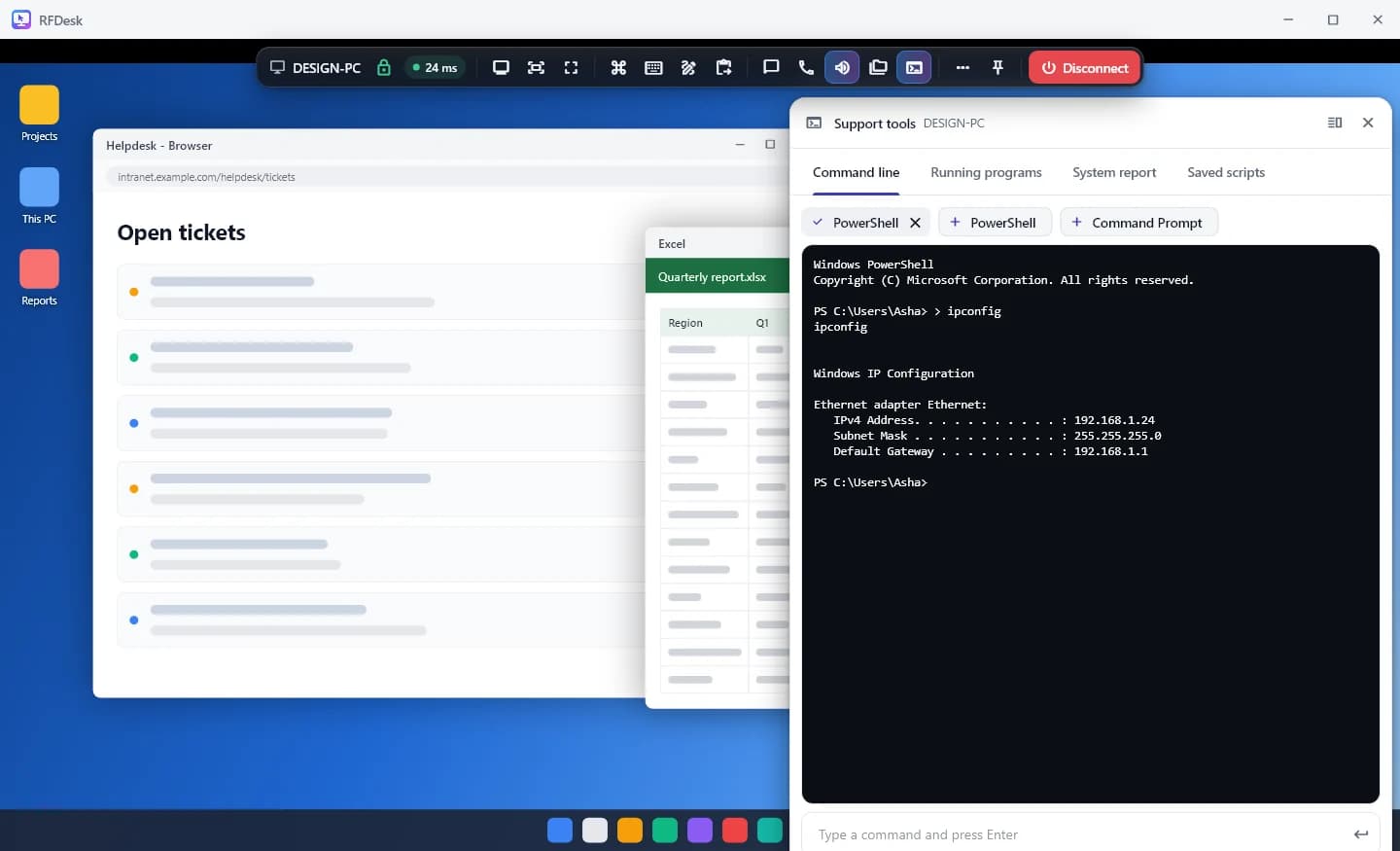
Most tickets start the same way: what machine is this, what is running, what changed. The support tools answer that without hunting through menus on the user's screen.
- A system report with the machine, its serial number, the Windows version, drives, network adapters, installed programs and updates.
- The running programs with processor and memory use, and a way to end one that has hung.
- PowerShell or Command Prompt on the user's computer, with a log kept there of every line.
- Saved scripts for the commands you run on every call.
Fixing it
The session carries what a fix usually needs.
- The file manager to send an installer or collect logs, with resume for large files.
- Chat, the computer's sound and a voice call when a phone line is not handy.
- A whiteboard to show the user where to click next time.
- Restart with automatic reconnection for up to 15 minutes, when the computer allows it.
- Remote printing, so a document on their computer comes out of your printer.
Users who trust the process
The user approves every supported session, sees who is asking, and can share one app instead of the whole screen. Their mouse always wins over yours, a panel on their screen shows that you are connected, and they can disconnect at any moment. The help page itself tells users never to give anyone a password or code. Support that is visibly careful gets fewer refusals.
Looking after the fleet
For company computers, teams add a shared address book, policies that lock settings on every enrolled machine, device groups, and silent rollout with enrolment keys. Unattended access covers servers and machines nobody sits at, with access for named people and time windows.
Good to know
- The help page's working hours are shown to users. They do not open or close the queue.
- The support tools are offered by Windows computers only.
- Recording is done from the browser viewer, with a notice on the user's side.