 RFDesk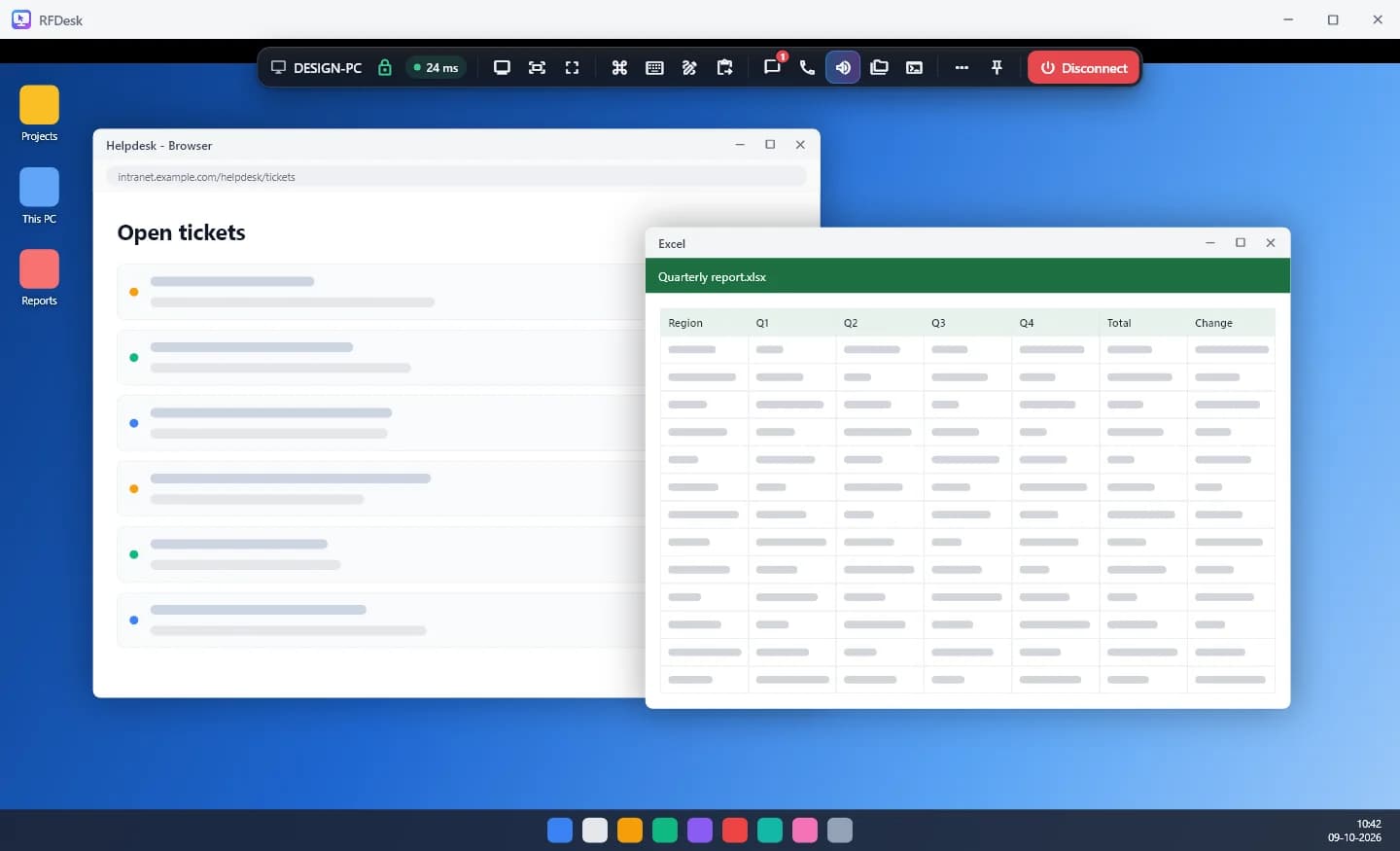
Help a colleague in a minute
Someone at the front desk cannot print. They open RFDesk and read you the ID and one-time password, or send an invite link. You connect from your own computer or phone, they press Allow, and you are looking at the problem. There are no network addresses to remember.
Reach the office computer after hours
The accounts machine, the design workstation, the PC that runs the label printer. Set up unattended access on the ones you own, each with its own password, and connect from home when something needs doing. Add an authenticator code for the machines that matter most.
Let an outside technician in, on your terms
Many small businesses rely on a freelancer or a local IT shop. You do not have to hand over the keys.
- For a one-off job, stay at the computer and approve the session. Share one app only if that is all they need.
- For recurring work, give them access of their own on that computer, with their own password, the permissions you choose and a start and end time.
- Remove their access when the job is done, and their password stops working.
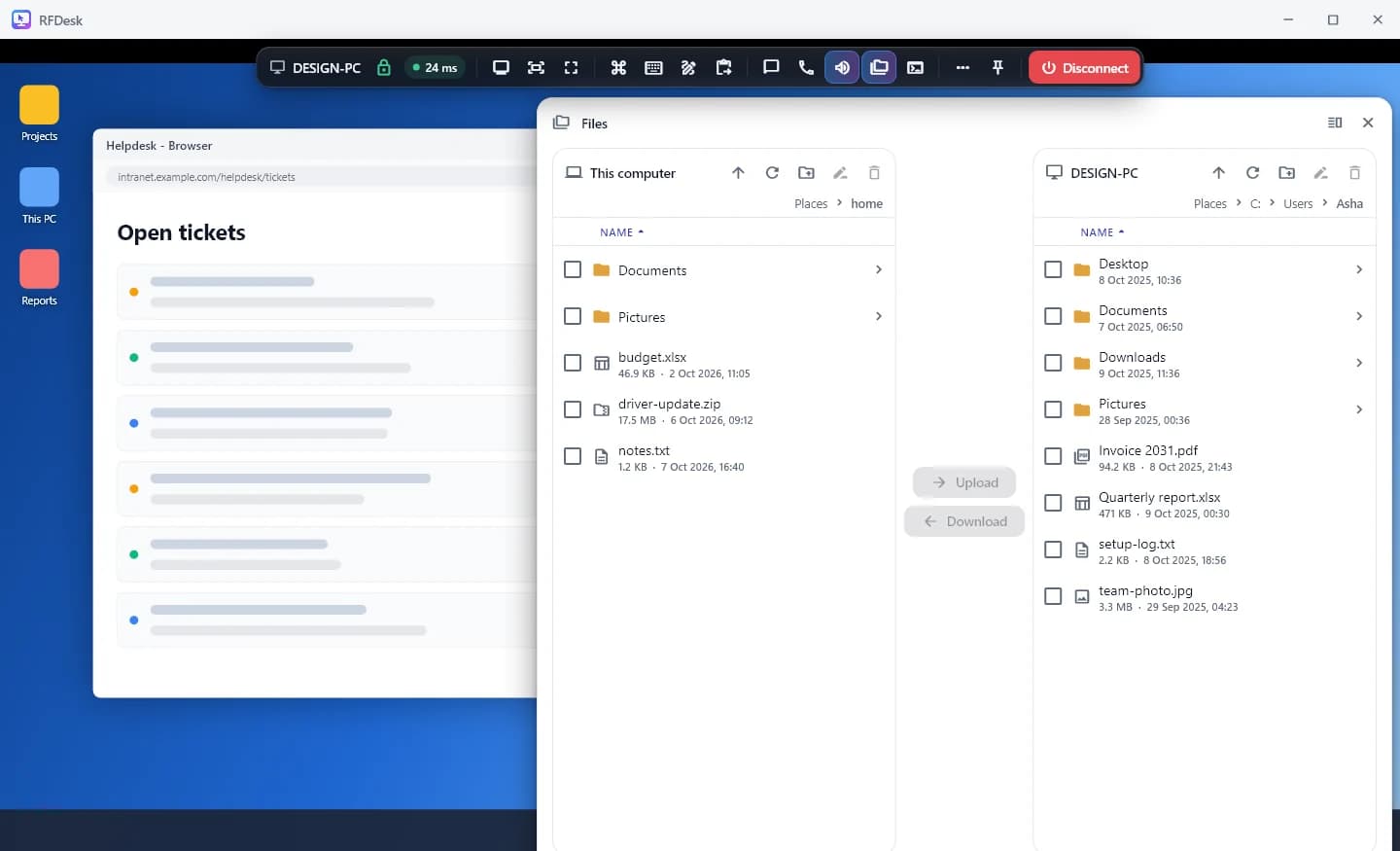
Move files and print without email
The file manager copies files and folders both ways, with resume for large ones. Remote printing sends a document from the office computer to the printer where you are. Clipboard text passes between the two sides when it is allowed.
Grow into a team when you need to
When there are a few of you helping, create a team: a shared address book of the company's computers, roles for owner, admins and members, and a policy that locks the settings you care about on every machine. A help page gives staff or customers one place to ask.
Good to know
- The computer being reached needs Windows and the RFDesk app, switched on and with an internet connection.
- Plans differ on session limits, devices and commercial use. The pricing page shows the current plans.
- If a restrictive firewall blocks the connection between two devices, the connection check shows what is being blocked.