 RFDesk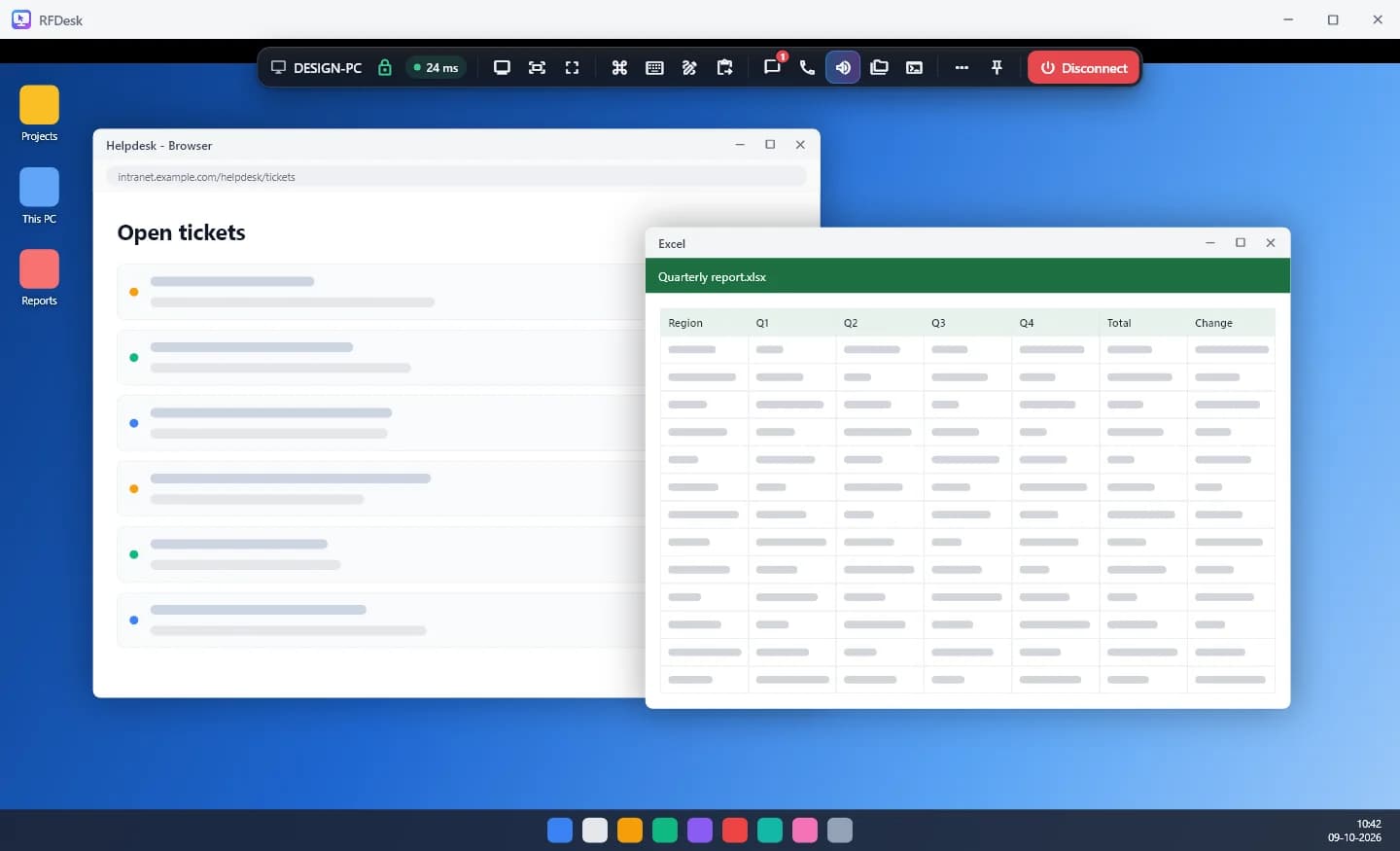
What RFDesk is for
People use RFDesk to help someone with their computer, to reach their own computer from somewhere else, and to look after the machines of a team or of customers. The computer being reached runs the RFDesk app for Windows. The person connecting uses the Windows app, the Android app or the connect page of this website, which needs no install.
The idea it is built around
Remote control is powerful, and that power is easy to misuse. RFDesk starts from the position that the person at the computer stays in charge. A connection is a request they approve. They choose the whole screen or one app, switch control, clipboard, files and chat on or off, and can take the mouse back or disconnect at any moment.
The same thinking applies to the service. The device password is proved without being sent, sessions are encrypted between the two devices themselves, and RFDesk's own servers cannot read them. The security page explains how.
What is in the product today
RFDesk is one product with the same features for everyone who uses it. The pages of this site describe each part.
- Remote support with approval and per-session permissions.
- Unattended access and privacy mode for your own computers.
- File transfer, chat, sound, voice calls, a whiteboard and remote printing.
- Support tools, multi-monitor viewing and session recording.
- Teams with policies, device groups, enrolment keys and a help page.
Languages
This website and the apps are available in English, Hindi, Telugu, Tamil, Spanish and French. The help centre's articles are written in English and Hindi.
Where to go next
To try it, open the download page or connect from your browser. The help centre has short articles on every tool, the status page shows whether the service is working right now, and the connection check tests your own network.